
Sign up to FCC Paragon
To sign up to FCC Paragon you must follow these steps:
-
File in the top left hand corner
-
Click 3rd Party Integrations
-
Click References
-
Click Online Referencing
-
Click Sign Up
Sending a Reference
To begin referencing a Contact:
-
Find the Contact Record (Tenant/Applicant/Guarantor)
-
Navigate to References on the Record
-
Click Online Ref button
-
Check the details are correct on the screen.
-
Click the Run Button
Pre-Tenancy Reference
When you create a pre-tenancy and click the save button you will get a prompt asking if you would like to preform an online reference. Clicking Yes to this will Skip step 1 - 3 above.
Need help with a specific step? Watch out Video for step by step instructions.
When sending a Reference, use the Primary Contact - this ensures all linked Contacts are included automatically. (Guarantors too)
🛡️ Why Tenant Referencing Is Essential
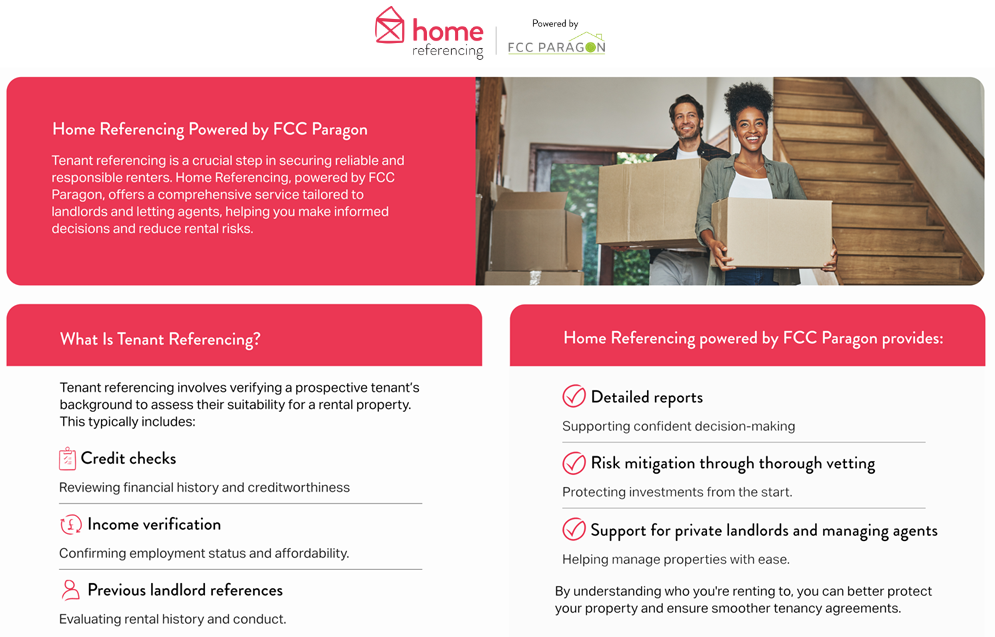
Tenant referencing is a vital safeguard for landlords and letting agents. It helps you avoid costly issues such as rent arrears, property damage, and tenancy disputes by ensuring you rent to reliable and financially stable individuals.
Key Benefits of Tenant Referencing
-
💸 Reduce Financial Risk Identify tenants with a strong credit history and stable income to minimise the risk of missed payments.
-
🏚️ Protect Your Property Gain insight into a tenant’s rental history and behaviour to avoid damage or neglect.
-
📊 Make Informed Decisions Access detailed reports that combine credit checks, income verification, and landlord references.
What Happens Without Referencing?
Skipping tenant checks can lead to:
-
Unexpected vacancies due to early termination
-
Legal disputes over unpaid rent or property misuse
-
Increased maintenance costs from negligent tenants
How FCC Paragon Helps
Their referencing service provides a comprehensive assessment of each applicant, empowering you to:
-
Select tenants who are financially responsible
-
Understand their rental background
-
Protect your investment with confidence