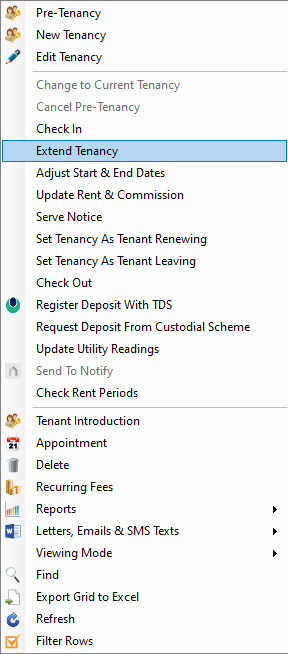
🔁 Tenant Renewing: Workflow Overview
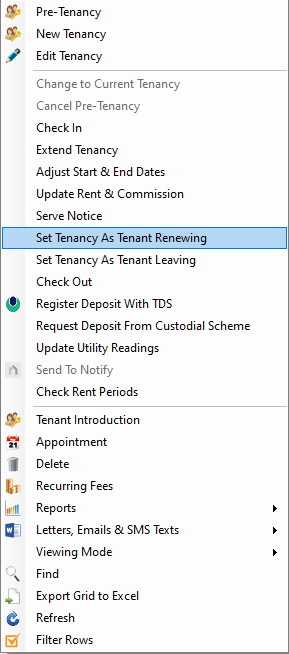
To mark a tenancy as Tenant Renewing, follow these steps:
📍 Accessing the Option
You can initiate this action by:
-
Right-clicking on the tenancy from the Tenancy List, or
-
Navigating to the Tenancies screen via either the Property or Contacts screens
📝 Purpose of Tenant Renewing
Use the Tenant Renewing status when:
-
The tenant has confirmed their intention to renew
-
You plan to set up the renewal at a later date
This action updates the tenancy status to Tenant Renewing
🔔 Home Page Reminder
Once the status is set:
-
A Tenancies – Tenants Renewing reminder will appear on the Home Page under the Lettings section
📅 Completing the Renewal
When you're ready to renew the tenancy:
-
Use the Extend Tenancy function to formalize the renewal and update relevant details