
The Statement List function is selected by clicking the Statements List icon from the Financial tab, in the General Group of the ribbon menu.
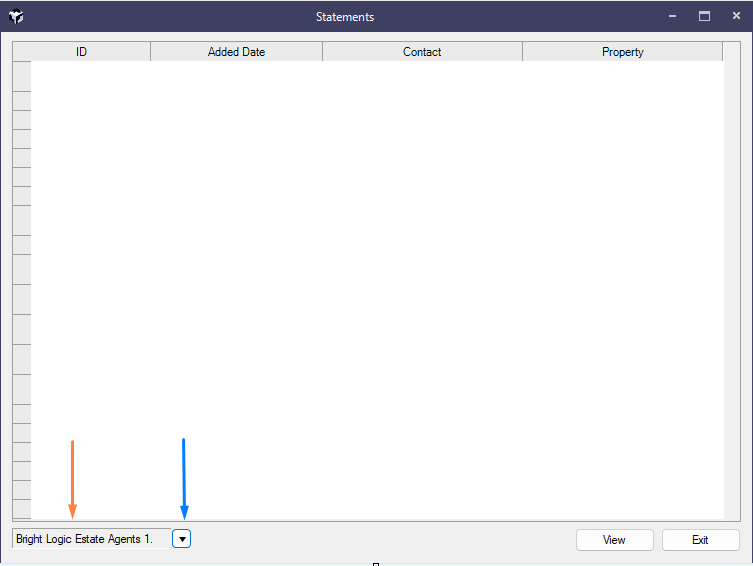
The Statement List screen displays the following information for previous statements:

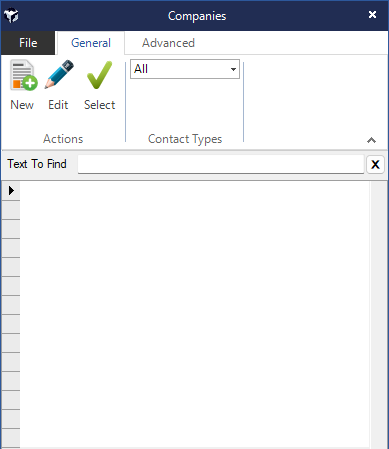
A filter option enables you to choose the Company the statements where produced against.
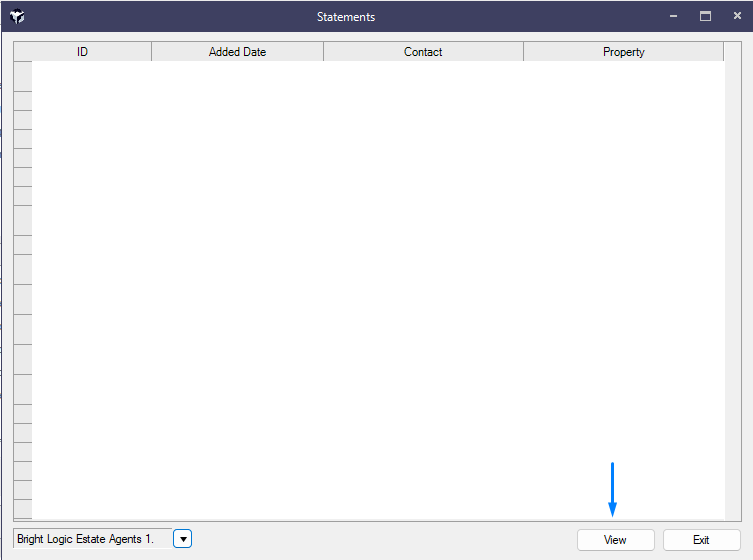
You can select a Statement from the View button.
Choose to either Email/Print or even Export from the buttons provided in the top left of the menu bar.
