✉️ Sending Letters in Acquaint
Letters can be sent to any Contact directly from the Contacts, Property, Work Orders, or Certificates screens using the Correspond tab → Letter icon.
📝 How It Works
-
Each letter is generated using a Letter Template, which creates a Microsoft Word document
-
Select your desired template from the Letter Templates lookup table
-
Once sent, the letter is automatically saved in the Correspondence screen of the relevant Contact
🧩 Sending Letters from Property, Work Order, or Certificate Screens
When sending letters from these screens, the process offers additional flexibility:
-
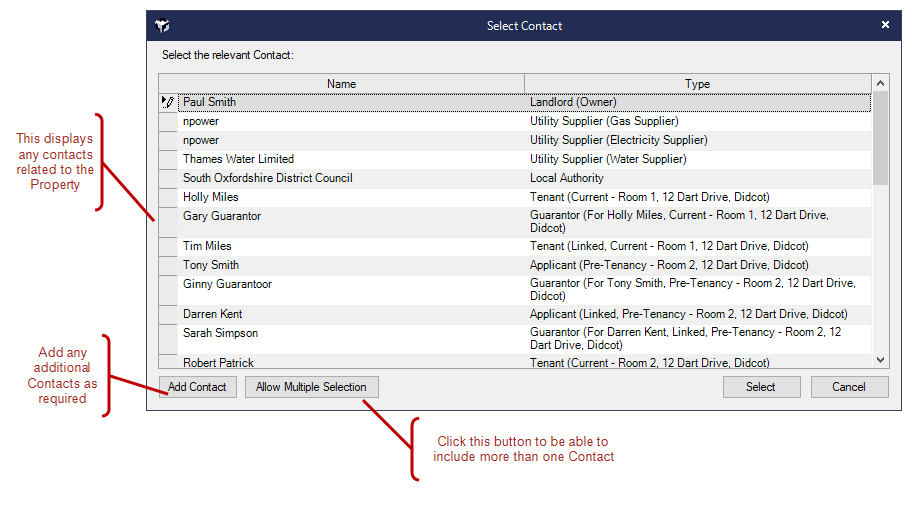
You can send the letter to multiple recipients, including Contacts linked to the Property
-
This may include:
-
Utility Suppliers
-
Local Authorities
-
Guarantors
-
Other associated Contacts
-
After generation, each letter will appear in the Correspondence screen of the recipient’s Contact record, not just the origin screen.